
Rust
Rust custom maps: planning a release players can actually join
A custom Rust map needs a dependable download, a compatible server and a release plan. Here is how to prepare the whole launch, not just the map file.
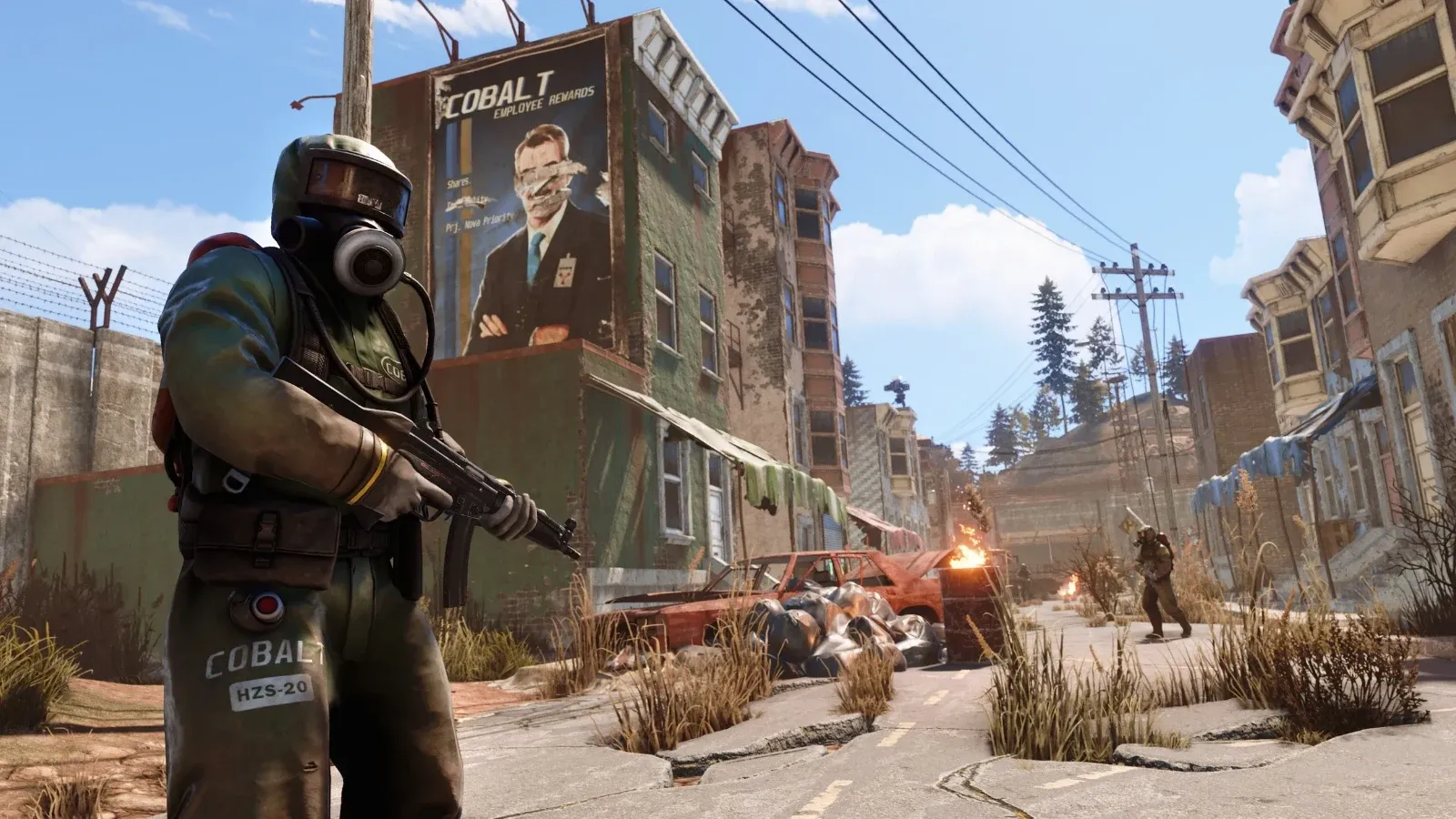
A custom Rust map launch has two audiences: the administrator who starts the server and every player who needs to download the same world. Preparing only the server side leaves a large gap. A private file-sharing link might work perfectly in your browser because you are signed in, then fail for everyone arriving on wipe night.
The useful question is therefore broader than “does the map load?” Ask whether a new player can receive the intended map, join the intended server and find the experience you announced. That question gives you a practical release checklist without turning every wipe into a complicated engineering project.
Treat the map as a named release
Give each approved map revision an unambiguous filename and keep a private record of its author, version, download address and checksum. A checksum comparison establishes whether two downloads contain the same bytes; it does not certify gameplay quality or compatibility. Keeping those distinctions clear prevents a misleading green tick from becoming your whole acceptance test.
A filename such as “final” becomes confusing as soon as someone uploads a second final revision. Prefer an explicit version reference that staff can match with release notes. Keep the previous approved map alongside its associated backup record, subject to the map author's licence and your retention policy.
The Facepunch hosting reference explains the central delivery requirement: the map needs a public direct download that remains available, because players obtain it from that address. A local file that lets an administrator experiment is not evidence that remote players have a usable download path.
Separate delivery checks from gameplay checks
Delivery checks are inexpensive. Open the URL without your file-host login, confirm that it returns the map itself and download it from another connection where practical. Check the file host's terms, bandwidth allowance and link expiry. A sharing-page button or temporary token is a warning sign even when the initial download succeeds.
Gameplay checks require the correct server and client combination. Use a separate identity and allocated test service, then check spawn points, major routes and the monuments relevant to your rules. Ask the map author which extensions or Rust release are required. Test those requirements explicitly rather than combining a new map, several plugin upgrades and a new ruleset in the same launch.
Do not publish a paid map through a public source repository merely because it is a convenient file host. Choose an authorised delivery method and verify its permission requirements before uploading. Availability and distribution rights both belong in the release decision.
An illustrative launch decision
Suppose a community plans a monthly wipe with a new coastal map. During rehearsal, staff can join but a fresh tester receives an HTML download page. The sensible response is to fix the delivery URL and repeat the fresh-client check. Wiping the production server earlier would not repair that URL.
Now suppose a second revision changes terrain beneath an established monument. That is a different decision: it concerns the relationship between terrain and saved entities. Facepunch warns about mid-wipe map edits, including existing entities becoming misplaced. A last-minute file substitution should therefore return to review, not inherit the previous revision's approval.
These are illustrative scenarios, not reports of tests on a CloudExa customer's server. Their purpose is to show why one failed check should lead to a relevant repair instead of a series of unrelated resets.
Keep the recovery point understandable
A backup labelled only with a date can be difficult to use if nobody knows which map or configuration it belongs to. Record the map revision, active identity and server build with the backup identifier. Facepunch's identity-file reference distinguishes the terrain map from saved entities and other player files. Keep the compatible set together.
Agree in advance what postpones the launch: unavailable downloads, incompatible extensions or a failed joining test are reasonable examples. Give staff permission to retain the current release while those faults are resolved. Players generally benefit more from a clear delay than from an unannounced experiment with their existing world.
For practical preparation, start with planning a Rust wipe, confirm the active identity and configuration, and review backup completion and retention. Keep the exact release record with those maintenance notes, so the next administrator can recover the same world rather than reconstructing your choices from memory.