Survival games
Why a Factorio server can feel slow when its network is fine
Separate Factorio update rate, graphics, connection delay and desyncs before changing your server or removing mods.
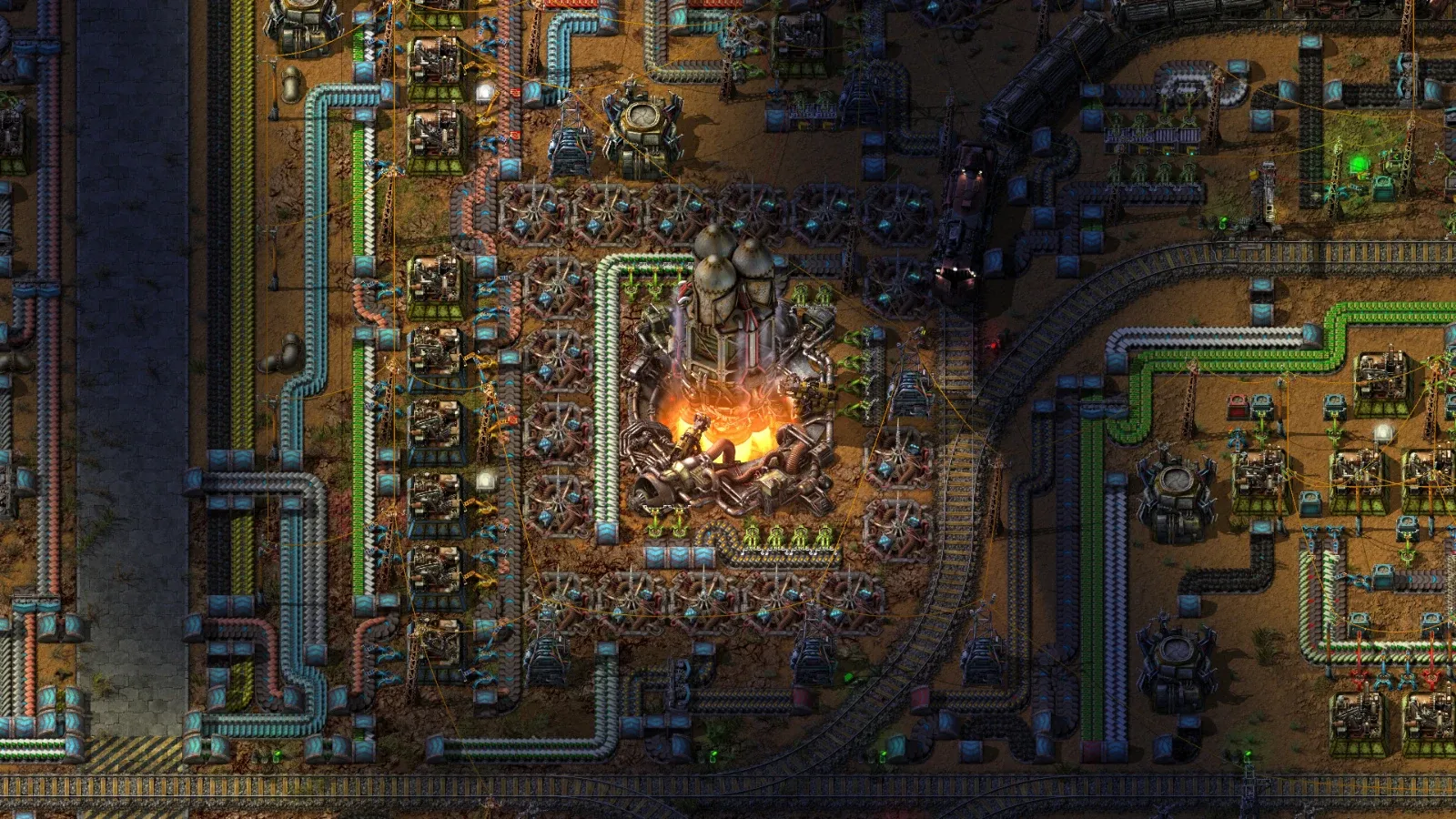
“The Factorio server is lagging” can describe several problems. One player might see a choppy picture while everyone else keeps building. A whole group might see the factory run slowly. Someone else might disconnect with a desync message. Record which symptom you have before deciding that the network needs fixing.
Ask what slowed down
Start with the player’s description and the time of the incident. Ask whether movement, production, graphics or joining changed. Find out whether the same thing happened to another player at the same moment. These observations guide the next check without requiring a disruptive server change.
Factorio exposes diagnostic information through its debug display, including FPS and UPS. FPS describes rendered frames; UPS describes simulation updates. A low reading in one measure does not by itself establish the cause of another player’s experience.
Use the debug controls available in your installed version and enable only the information you need. Capture the values while the problem occurs, then turn distracting overlays off. A screenshot from an idle main menu cannot explain a busy multiplayer session.
Compare observations from the same moment
Ask two players to record their readings during a short agreed interval. Note their locations, game version and what the factory was doing. Ask support for the corresponding server observation if you cannot see it in the game panel. Do not compare one client during an attack with another client ten minutes after it ended.
Record the startup version and enabled mod set as well. The official multiplayer documentation requires matching game versions and mods. A join failure caused by a mismatch needs a compatibility correction before performance observations become useful.
An illustrative troubleshooting session
Suppose one player reports that the factory becomes difficult to control while friends say their sessions feel normal. The organiser asks for timestamps and diagnostic screenshots instead of restarting the service. The affected player also checks whether the problem changes after closing a demanding local application.
A separate report says that all connected players notice a pause at roughly the same interval. The organiser compares those times with save messages before changing network settings. These are illustrative investigation paths, not test results or guarantees about which cause will fit your server.
Treat a desync as its own incident
A desync message identifies a disagreement in the simulated state. Factorio’s desynchronisation guide explains the report the client generates. Preserve that report and the matching server log before changing the mod set.
A restart that lets players reconnect can help the immediate session, but it does not identify why the disagreement occurred. Keep the incident time and preceding actions so a developer can investigate. Avoid deleting content mods from the live save as an exploratory fix.
Make changes you can compare
Before trying a configuration or mod change, take a completed recovery copy. Use an isolated test instance where a change could affect factory content. Write down one proposed change and the observation you expect it to improve.
Change one thing at a time and compare the same activity over a similar interval. A quiet factory after a restart is not a fair comparison with a busy factory before it. If a mod is under investigation, use its supported settings and read the author’s documentation rather than editing its ZIP.
The official mod guide describes version and startup-setting synchronisation. Keep that baseline stable while collecting performance evidence, otherwise you may end up comparing different games.
Send support a useful report
Include the incident time and time zone, affected players, exact versions, mod list and relevant screenshots. Say whether the problem affected joining, rendering, simulation or a specific error. Share a save privately if support requests one, because it can contain your group’s layout and player details.
For a panel console that will not connect at all, use the console connection guide instead of treating the browser error as proof that Factorio’s simulation stopped. Keeping those reports separate helps support investigate the right component while your group preserves its factory.