Survival games
Plan a survival server season without losing your group’s progress
Agree what carries over, trial the rules and keep a usable recovery point before opening a new survival-server season.
A new season can bring a survival group back together, but a surprise reset can drive the same players away. Before changing the server, agree what “new season” means. Some groups want new terrain with familiar characters. Others want a different challenge in the world they already built. Those choices require different work.
Separate the rules you can change from the progress you will replace
Write down the world, character and account decisions on separate lines. A change to difficulty does not automatically call for a new map. A new map does not automatically require deleting player accounts. Describe the desired experience first, then choose the supported game settings that create it.
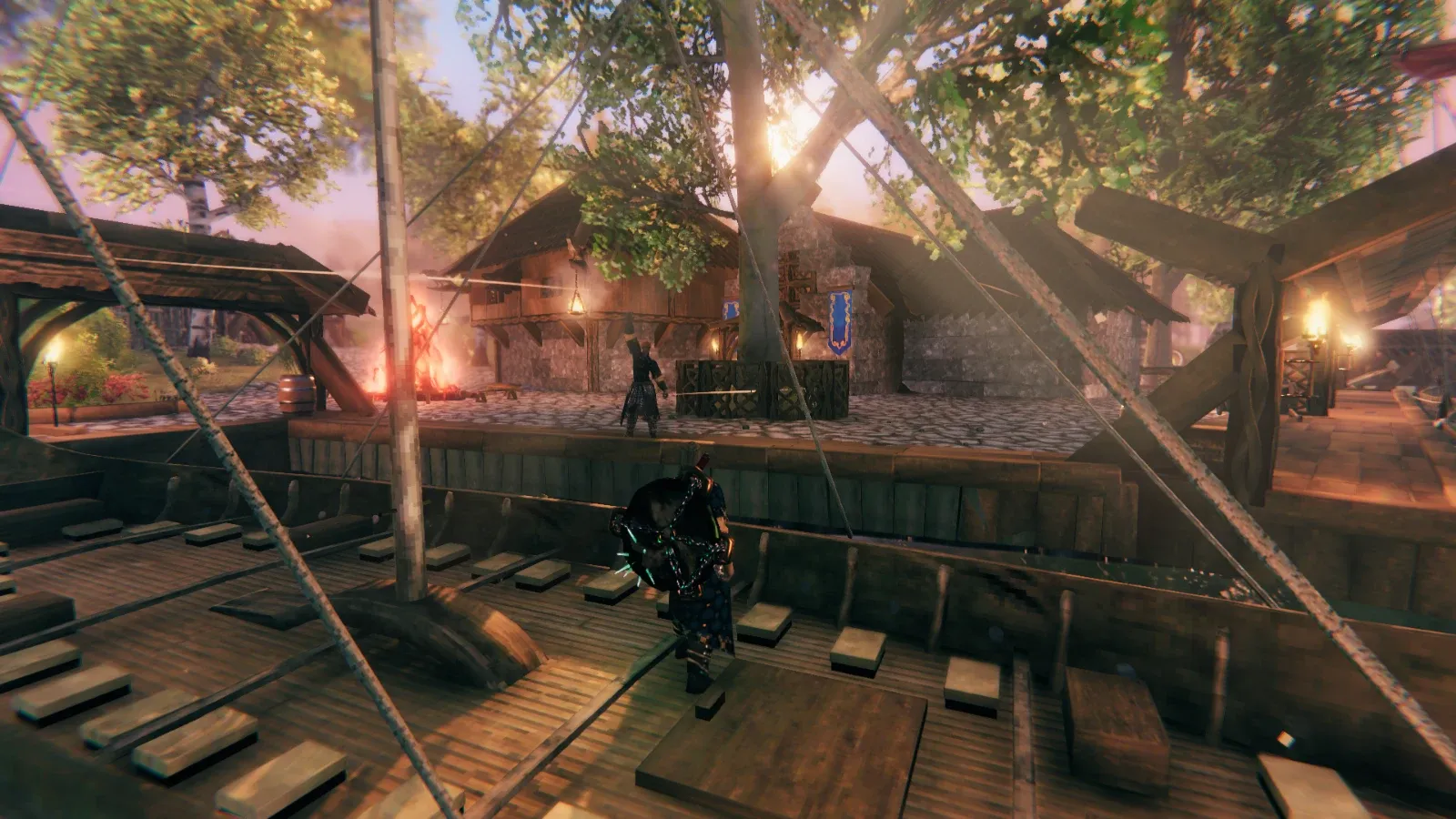
For example, Iron Gate’s Valheim server manual exposes world-modifier arguments. A group can review a different difficulty policy while retaining its world identity. The staff still need a backup and a clear test window, because players can make progress under the changed rules.
Terraria communities using TShock face a separate character decision. Server-side characters change the progression players use on that server. Staff should explain that decision before enabling it. Calling the whole operation a “refresh” does not tell players what happens to their equipment.
Use a short, concrete season proposal
Give your players a proposal they can understand without reading configuration files. Name the world policy, inventory policy, difficulty changes and opening time. Include which game version and mod collection you plan to support. Describe anything players must download or prepare before joining.
Label tentative decisions. If you have not tested whether a mod supports the proposed game release, say that the release remains subject to a compatibility check. An announced date should not force you to overwrite a working server with an untested combination.
An illustrative planning example
Imagine a small group that enjoys its existing settlement but has stopped exploring. Its first proposal calls for deleting the world and increasing difficulty. During discussion, the builders explain that they want to keep their structures, while explorers want a tougher shared objective.
The organiser revises the proposal: keep the world, trial selected rules on a separate copy and open a new expedition area only after the group agrees. This example describes a decision process, not a measured result from a CloudExa customer. Its benefit comes from avoiding an unnecessary reset before the group defines the problem.
Test the experience on an isolated copy
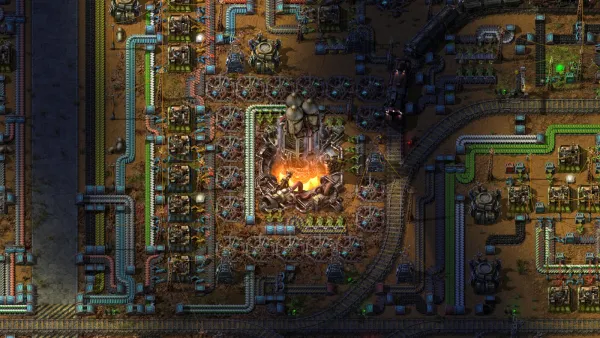
A trial should answer the question players actually asked. If the concern is starting equipment, join with an ordinary account and inspect it. If the concern is the terrain, review candidate maps in a matching local installation. Factorio’s map generator provides previews and exchange strings for comparing fresh starts without replacing a live factory.
Keep the trial separate from production storage and databases. Record its game version and settings so someone else can reproduce it. Do not share a writable character database between two servers unless the game explicitly supports that design.
For the recovery copy itself, follow the game-file backup guide. Wait for completion and preserve the configuration alongside the save. A file called “backup” with no known source version makes a weaker recovery point than a labelled, complete copy.
Agree the rollback boundary
Tell players when the old season stops accepting progress and which checkpoint you will retain. If you reopen the old checkpoint after a failed launch, players will lose anything they achieved afterward. Explain that consequence before the maintenance window, not during an emergency restore.
Keep a short staff note with the approved version, save name, configuration and recovery point. Use backup scheduling and retention checks for the new season once it settles. Retain the previous season’s archive for the period you promised, then review storage with the group before removing it.
After launch, ask players to check the details that matter to them: their intended progression, familiar access rules and the announced challenge. Record corrections as specific changes. That gives the next organiser a practical account of the season rather than a folder of unexplained files.