Rust
Plan a Rust wipe without surprising your players
A practical wipe plan covering map and blueprint resets, player notices, retained files and checks before you reopen your Rust server.
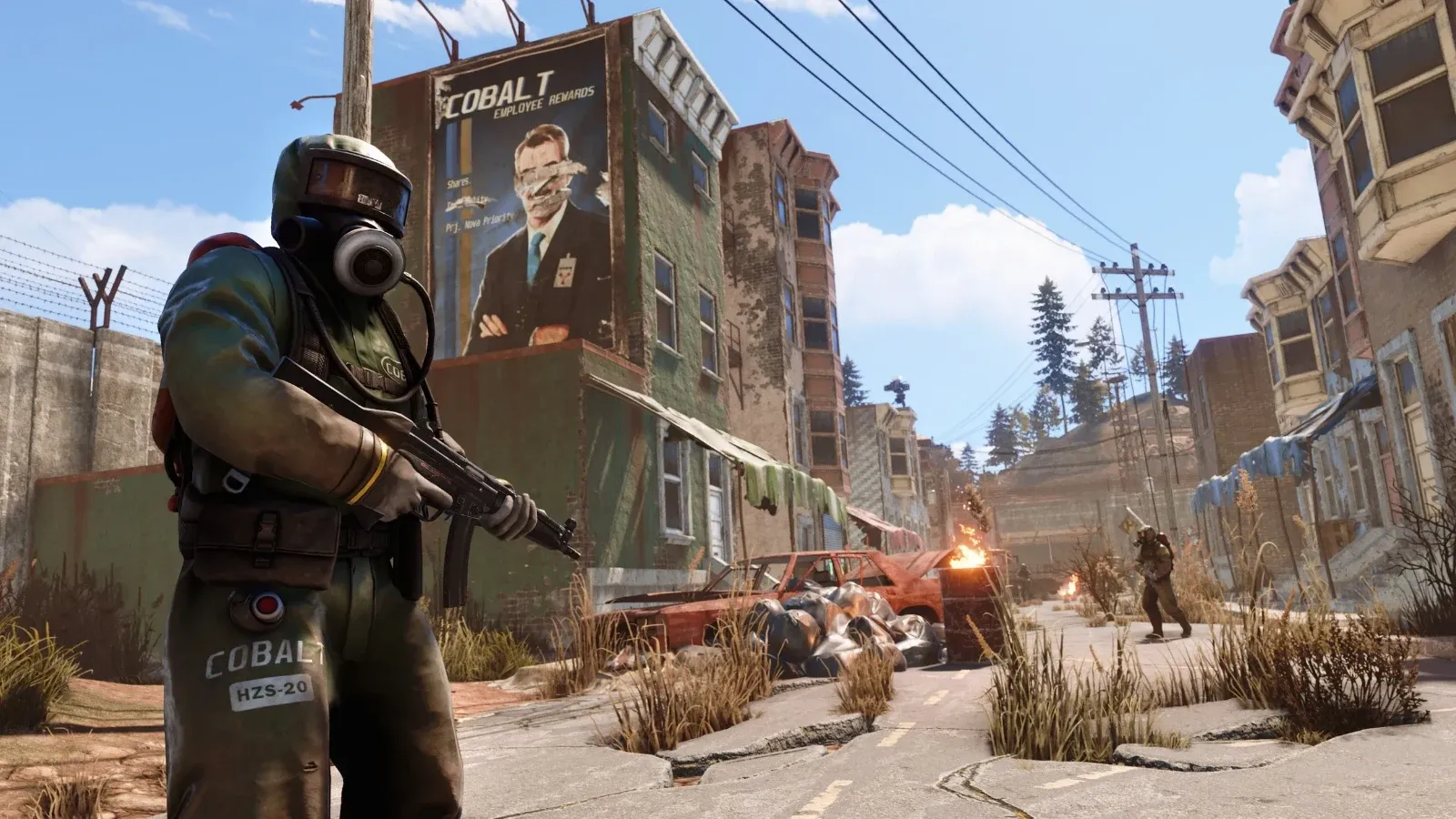
Your players can plan around a wipe when you tell them what will reset and when they can return. Confusion starts when the announcement says “wipe tonight” and nobody knows whether they will keep their blueprints. Write those decisions down before you touch the server.
Separate the map reset from progression
A map wipe removes the old map's player-built world. Blueprint progression has its own stored data. Facepunch explains this distinction in its server identity file reference. A forced update can introduce extra requirements, so read the release notes for the update you are installing instead of treating last month's rules as a promise.
This matters for current servers: Facepunch's November 2026 update notes describe another blueprint-system change. Avoid advertising permanent blueprint retention unless you can support it across the game's updates. Explain any required exception before players spend their final evening gathering materials.
Make a short record for this wipe: map choice and seed, world size, whether blueprints reset, plugin data you intend to retain, maintenance start, and your target reopening time. Give the target as an estimate. Download delays or a plugin compatibility problem can extend it.
Publish one clear notice
Use the same notice in your community's usual channels and in game. Include a date, time zone and the expected effect on player progress. “Map wipe on 19 November at 19:00 GMT; blueprints retained unless the game update requires otherwise” gives players more information than a countdown alone.
Tell players where you will post updates if maintenance runs late. Name the next update time rather than leaving them to ask each moderator. If your community includes several time zones, include UTC as well as the local time.
Check the in-game wipe timer too. Facepunch documents the schedule variables and the PrintWipe check in its wipe timer guide. Treat the displayed countdown as a separate configuration check; it does not prove your maintenance job will run or that your backups work.
Retain enough to reverse your own mistake
Before the maintenance window, confirm you can identify the active server identity directory. Record its location and the launch settings that select it. A second old identity folder can look convincing when you are working in a hurry.
After a clean shutdown, keep a complete pre-wipe copy of that directory, the configuration and your modding framework's data. Label the archive with its date, server identity and game build. Keep it away from the working files so a wipe operation cannot select it by accident. Check the archive listing and its size before continuing.
Retain administrator and ban settings according to your plan. Do not remove the whole identity directory as a shortcut: Facepunch's file reference shows that it holds more than the map. With database files, retain the coherent stopped-server copy rather than selecting a few files from different times.
Use a reopening checklist
- Install the intended server update and check any framework or plugin requirements.
- Apply the documented map and progression decisions. Have another administrator review the selected files if possible.
- Start the server and read the startup log before announcing that it is open.
- Join with an ordinary player account. Confirm the expected map, blueprint state and access rules.
- Check moderator permissions, important plugins and a sample of retained player data.
- Save, restart once during the maintenance window, then confirm the new world returns.
A successful connection alone does not prove that you opened the intended map. Compare a recognisable location and the published rules. If a test fails, keep the server closed while you decide whether to fix the problem or restore the pre-wipe copy.
Record who performed the wipe and who approved reopening. Save the console output from that window alongside the change record. If a player reports missing progress later, you can compare the report with the decisions you announced instead of trying to reconstruct them from chat messages.
Keep the old backup through an agreed retention period, even after the first players join. For custom terrain, use our Rust custom-map release plan. For the longer-term schedule, see planning a survival-server season.